To check the firmware version on your TimeLine:
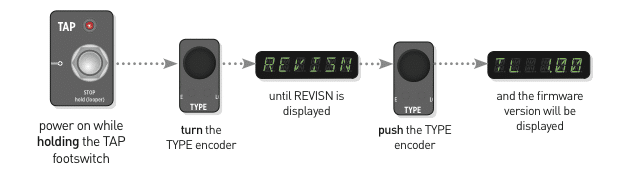
- Power up while holding down the TAP footswitch.
- Turn the TYPE encoder until REVISN is displayed.
- Push the TYPE encoder, and the firmware version will be displayed.

Financing Available Through